Step 1 :
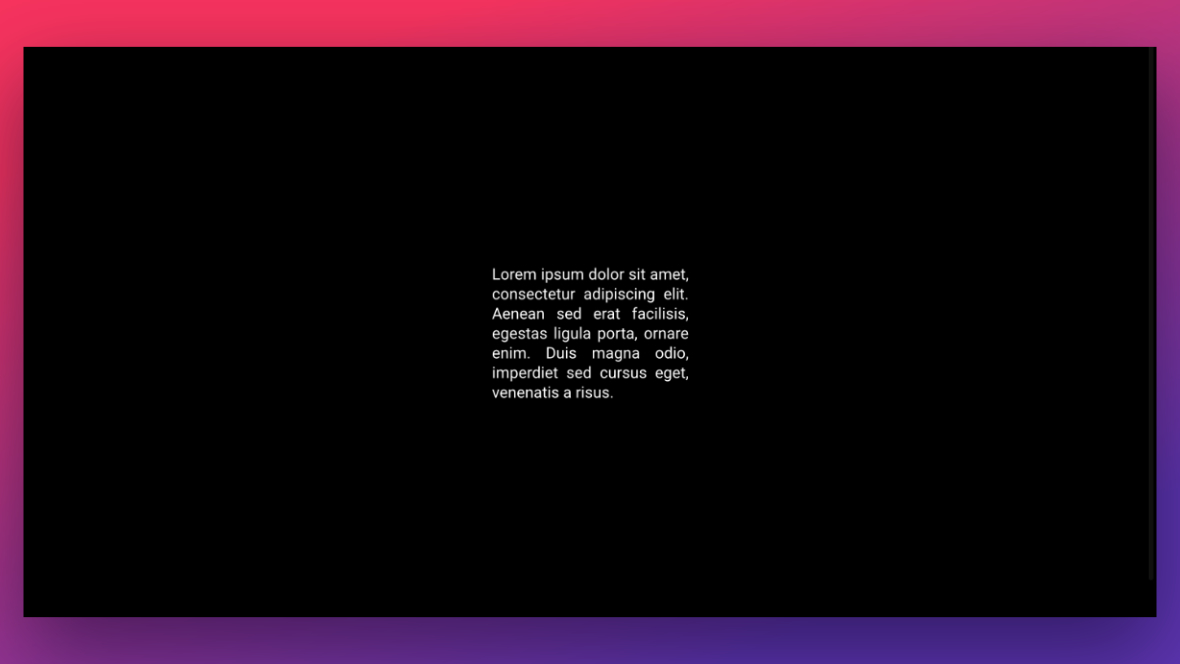
Create a Text Layer with your custom content.

Step 2 :
Select the Text Layer and navigate to Layer Options > Attributes, and add a custom CSS class “rs-justify“:

Step 3 :
Go to the Module General Options tab > Click on the CSS/jQuery sub-section.
Insert the custom CSS code below into the Custom CSS section of the Slider here.
.rs-justify {text-align: justify !important;}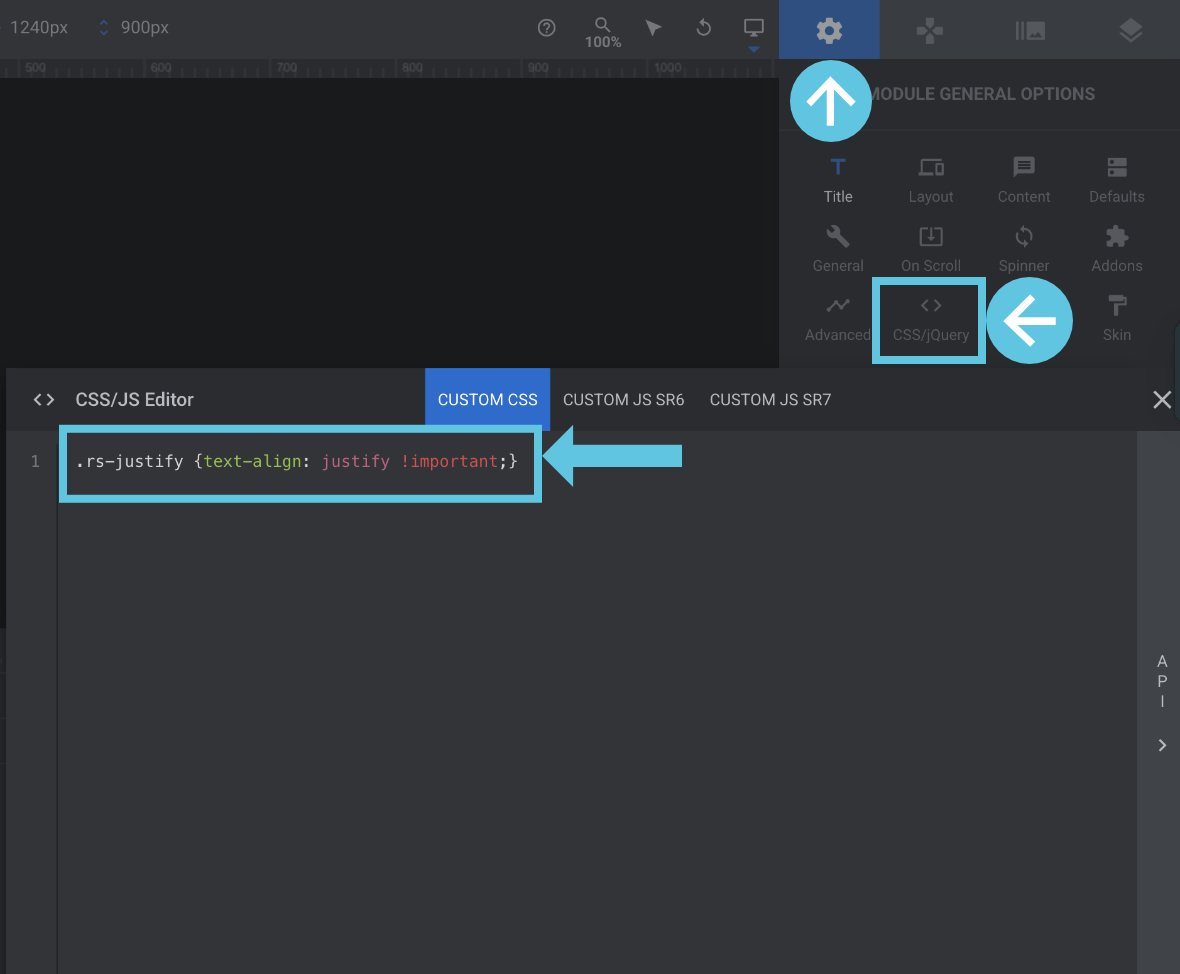
How to Justify Texts in Text Layers