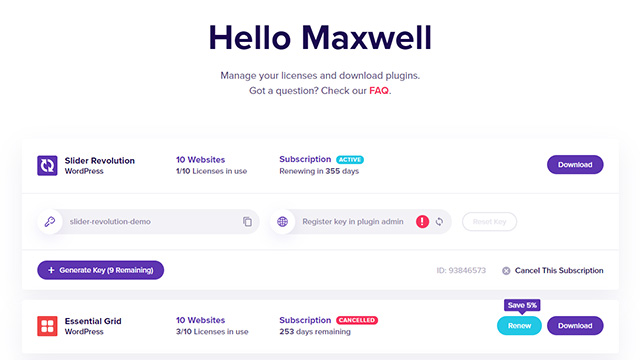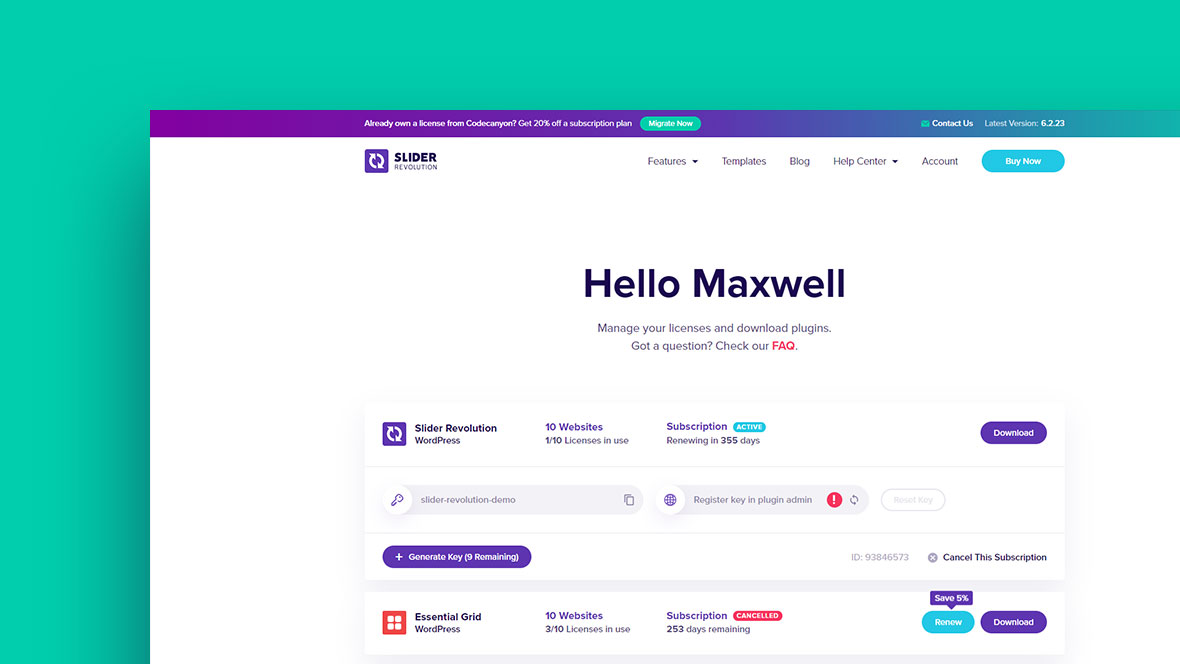
About this guide
In this guide you will learn how to import your existing CodeCanyon licenses of our
Slider Revolution Responsive WordPress Plugin or Essential Grid Gallery WordPress Plugin.
Table of Contents
- Step 1 A: If you already have an account
- Step 1 B: If you don’t have an account
- Step 2: Sign in to Envato API
- Step 3: Congratulations! Your licenses have been imported
Step 1 A:
If you already have a sliderrevolution.com or essential-grid.com account
In case you are not already logged into your account, go to here to log in.
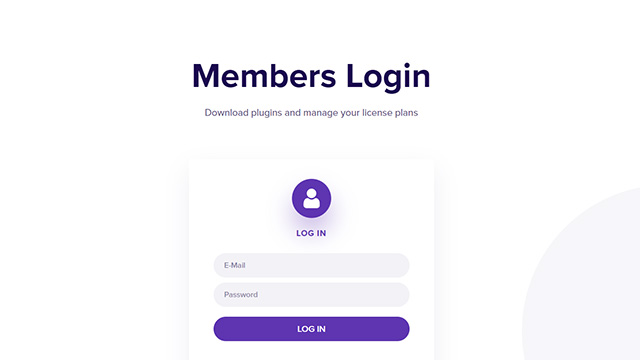
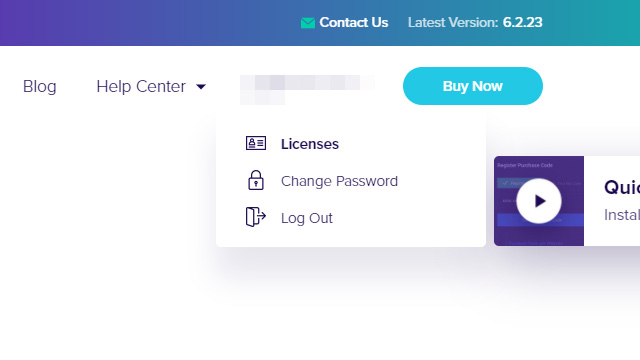
Logging into your account will take you straight to your license management dashboard. If you are already logged in click the “Licenses” submenu item under “Account”.
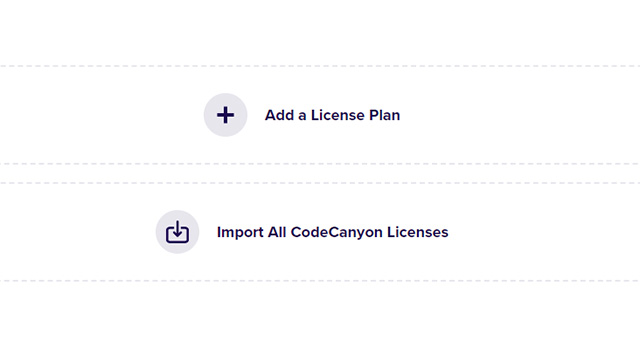
In your license management dashboard, click the “Import All CodeCanyon Licenses” button and proceed to Step 2 of this guide.
Step 1 B:
If you don’t have a sliderrevolution.com or essential-grid.com account
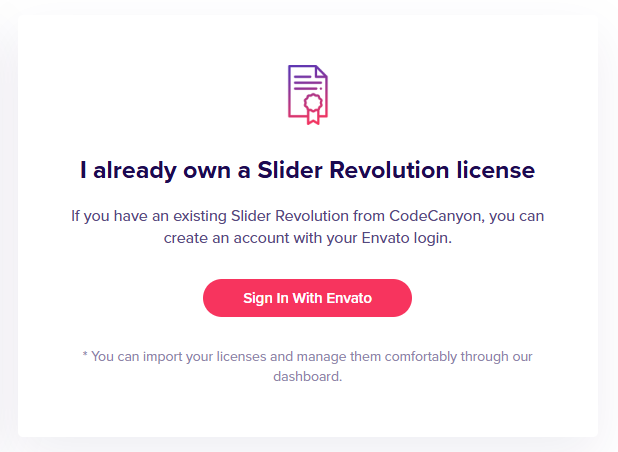
Go to this link and click the “Sign In With Envato” button.
Step 2:
Sign in to Envato API
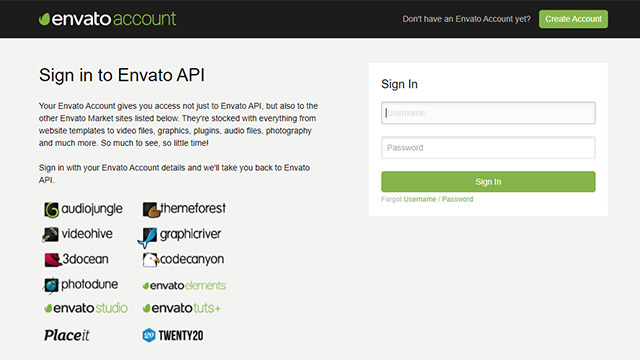
Enter your Envato account login information to allow us to automatically import your “Slider Revolution Responsive WordPress Plugin” and “Essential Grid Gallery WordPress Plugin” licenses.
In case you didn’t have a sliderrevolution.com or essential-grid.com account yet, this step will automatically create an account for you.
Step 3:
Congratulations! Your licenses have been imported.
After authenticating yourself via the Envato API, your licenses will be imported automatically.
If you didn’t have a sliderrevolution.com or essential-grid.com account before, an account has now been created with your Envato email address.
In that case, please make sure to check your email address for instructions on how to change your password. If you can’t find this email, please see here.