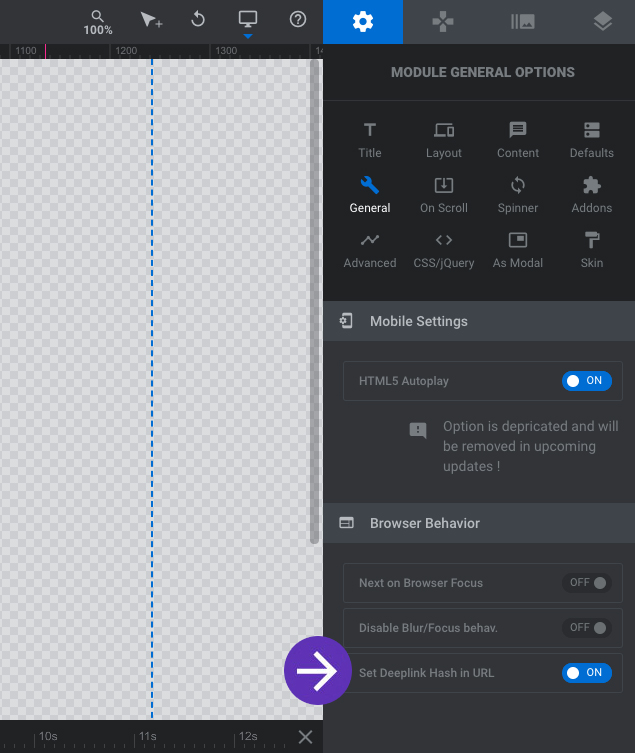
Step 1 :
In Module General Options > Browser Behavior > Enable Set Deeplink Hask in URL
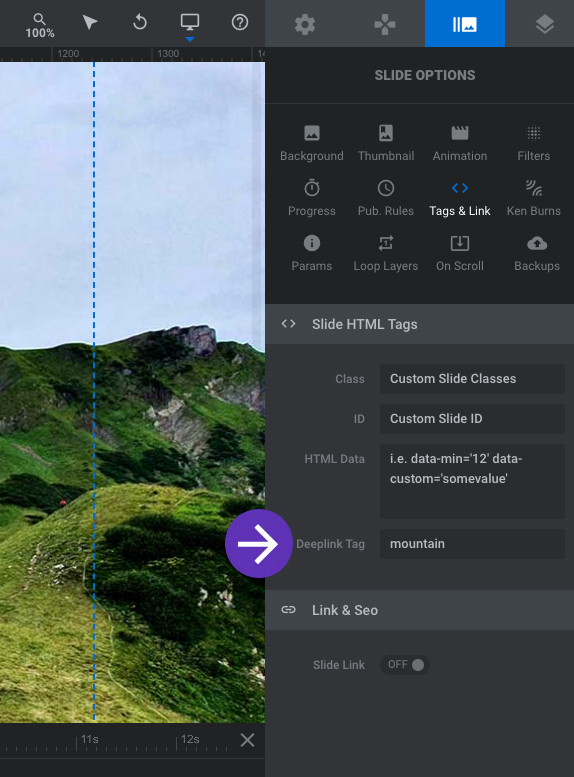
Step 2 :
On the Slide Options > Tags & Link > Deeplink Tag > Insert a Tag name for the Slide for Deeplink purposes.
Result :
To go to a specific slide (Deeplinking), call the slide by using the hash tag following the slide Deeplink Tag(from Step 2) as shown below.
https://www.sliderrevolution.com/example/#mountain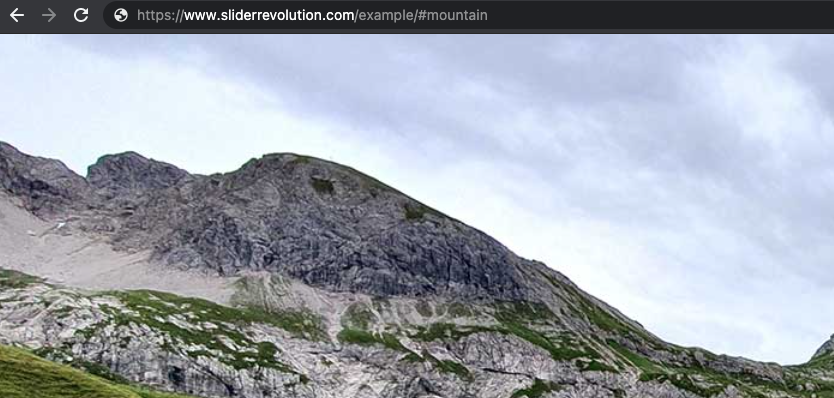
Deeplinking Slides